


If there is a listing on the website that is your program but you don’t have access to edit it, you can request to claim the listing.
First go to the listing and copy the url at the top of the page

Then fill our the claim listing form by clicking the button below.
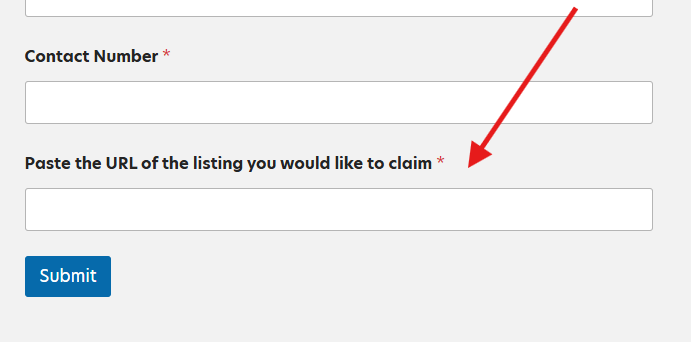
Paste the url of the listing that you copied at the bottom of the form and will out the rest of your details.
Once submitted, we will send you details on how to access and edit the listing.