


Adding your first listing is quick and easy! Use the instruction below
How to add a listing
To begin, select the add a listing button at the top of the website

Next, Select if you would like to add a program or event.
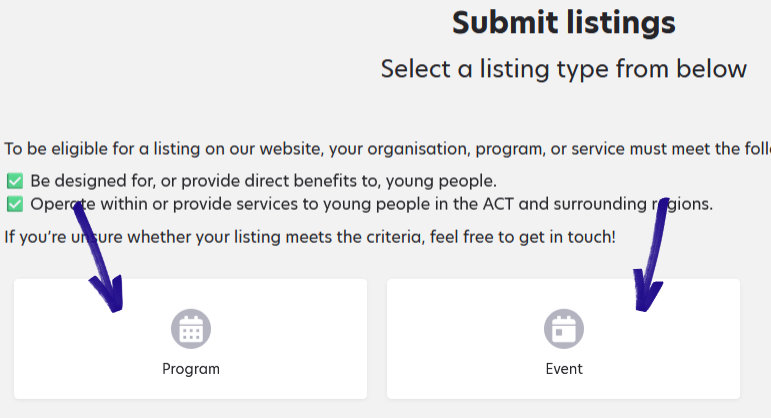
Note: Please read the eligibility criteria and ensure you listing is eligible for the directory. Contact us if you are unsure.
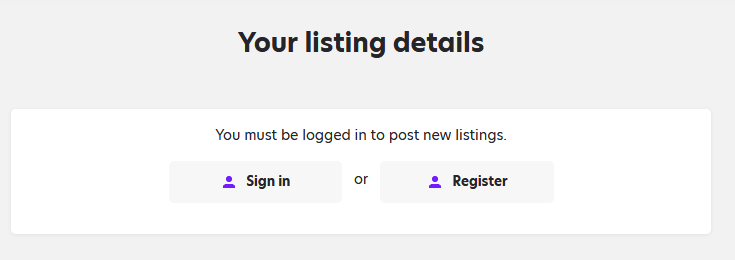
If you haven’t done so already, sign in or register
Follow the prompts and fill out the details of your program. The more information you include, the easier it will be for people to find and understand what your program offers.
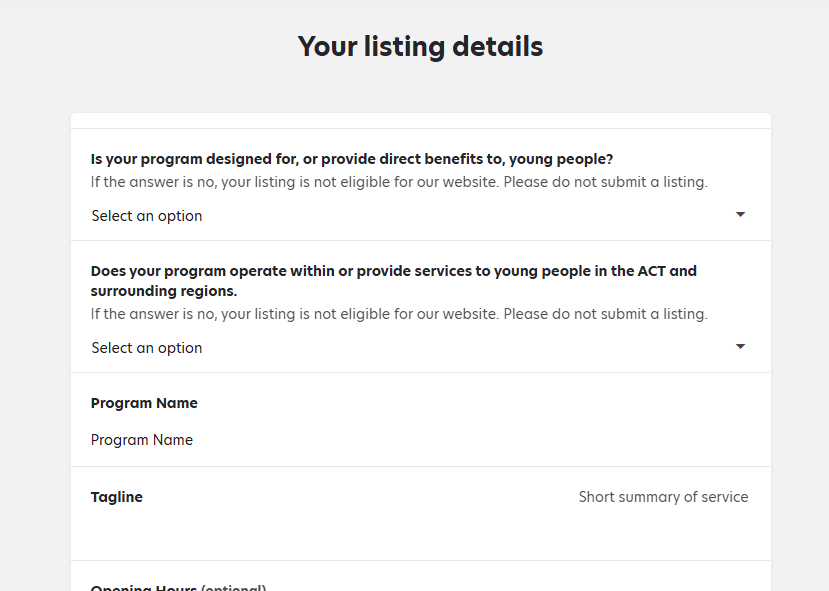
Once all the details have been filled out, select submit listing, save as a draft or preview. Preview will show you what the listing will look like before submitting it. Save as a draft will allow you to login and finish the listing later.

If you need instructions on how to preview a listing, click here
For instructions on saving and editing a draft listing, click here